 LePan 乐盘
Turn your computer
into a private NAS.
Every file, from every device,
in one place you own.
LePan turns a personal computer into a lightweight personal storage node, a convenient NAS. Save files to it from all your devices, back up photos, files and chats from your phones, bring your other network drives into the same app — and reach everything from anywhere.
Free to use. No ads or in-app purchases.
What LePan does
Your own private cloud, without the monthly bill.
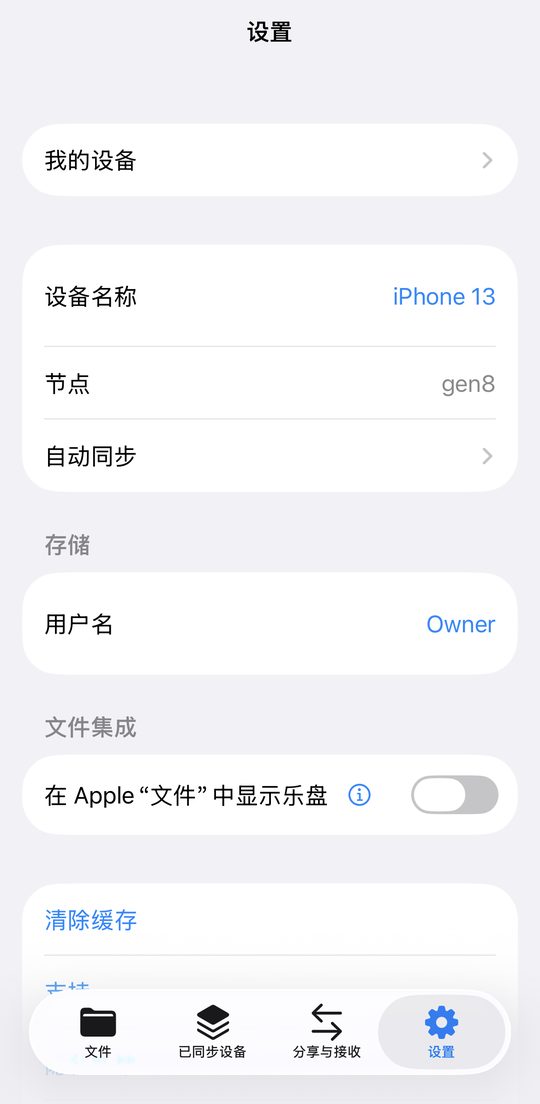
Save from every device.
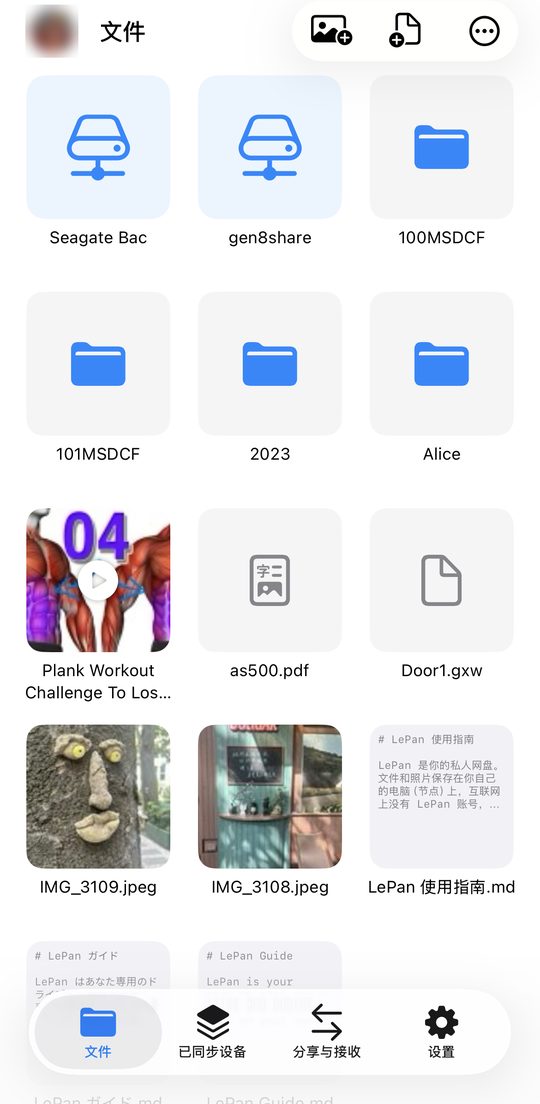
Upload files from your phones, tablets and computers, and find them all in one place.
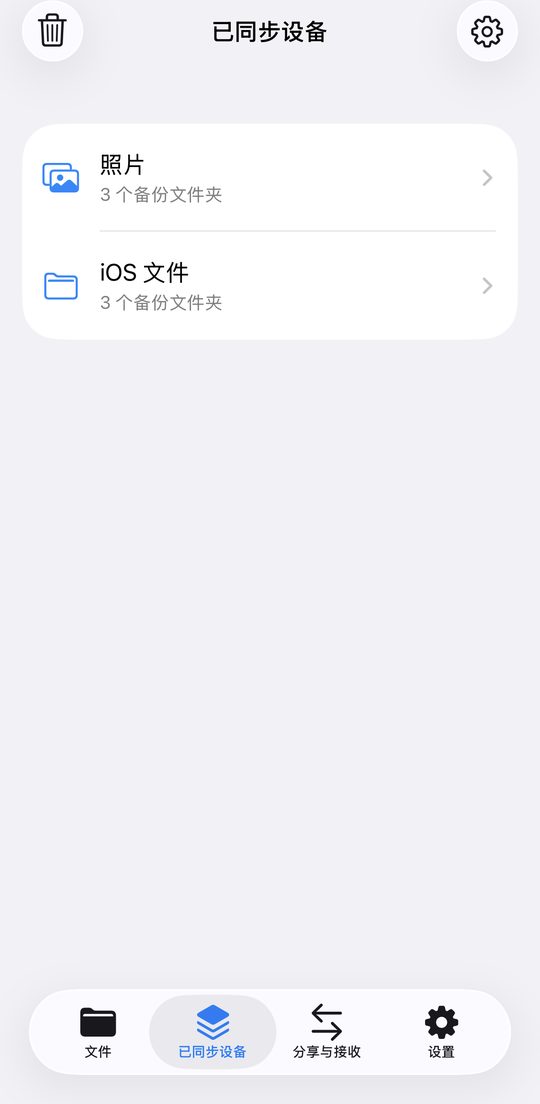
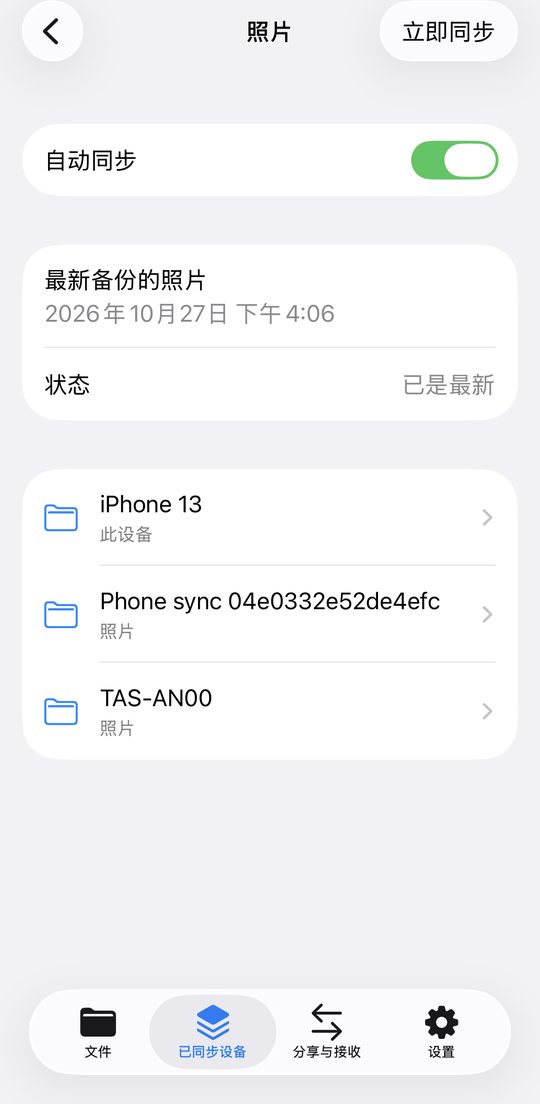
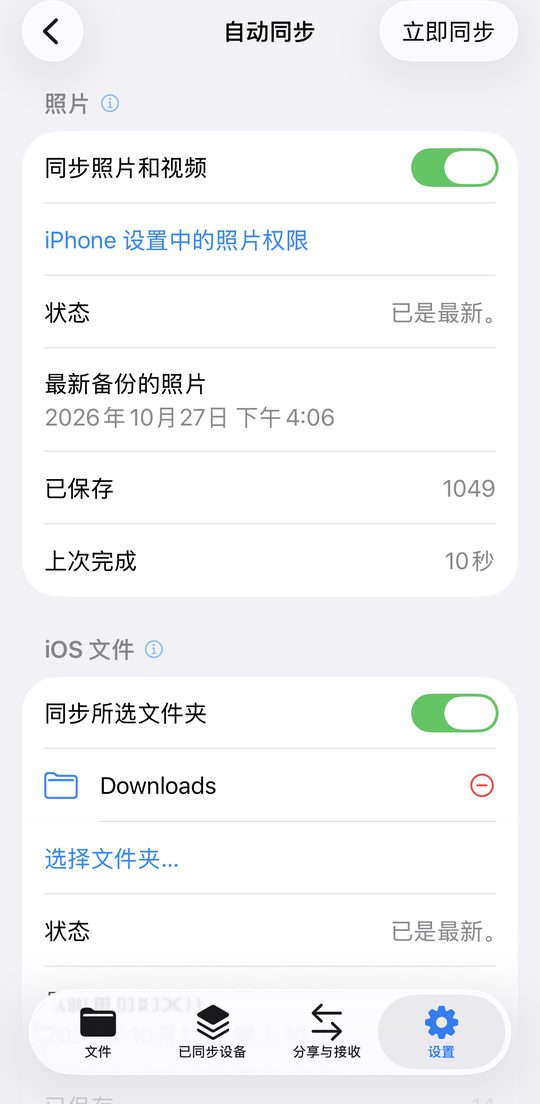
Back up your phone.
Photos, videos, files and chats back up from your phone automatically.
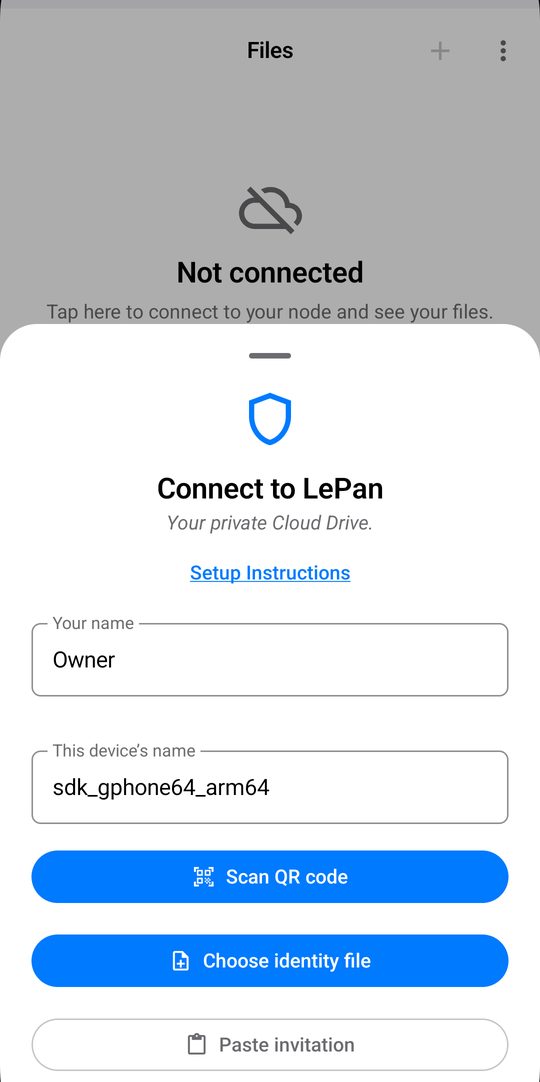
All drives, one app, anywhere.
Open your node and your other network drives in one app, at home or on the go.
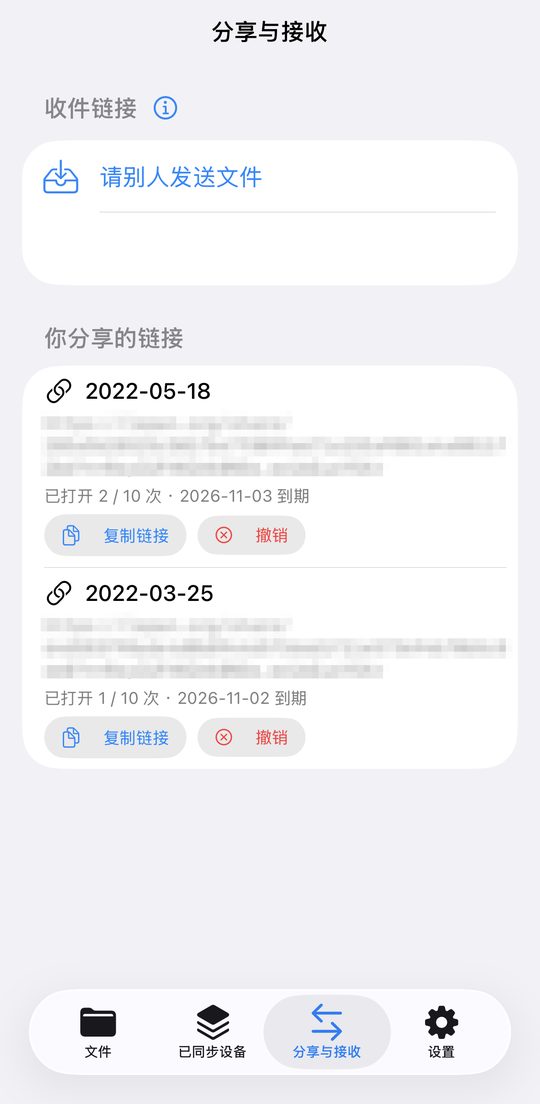
Share & receive.
Share files with a link, or let others upload files to a folder you choose on your node.
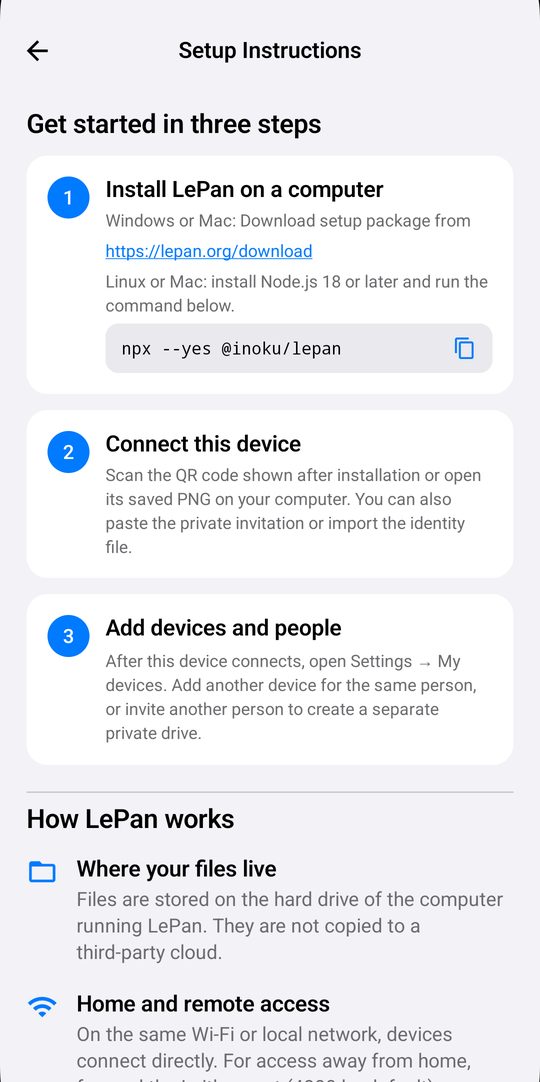
A private NAS on your computer.
Install LePan on a Linux, Mac or Windows computer, and its disk becomes your private storage.
Good to know
- Your files stay on your own computer, not on someone else’s cloud.
- Storage space is whatever the computer’s disk holds.
- Keep the computer on and online.
- To use LePan away from home, open the Leither port (4800 by default) to the internet. Otherwise it works only on your home network.